DeadWatch Docs
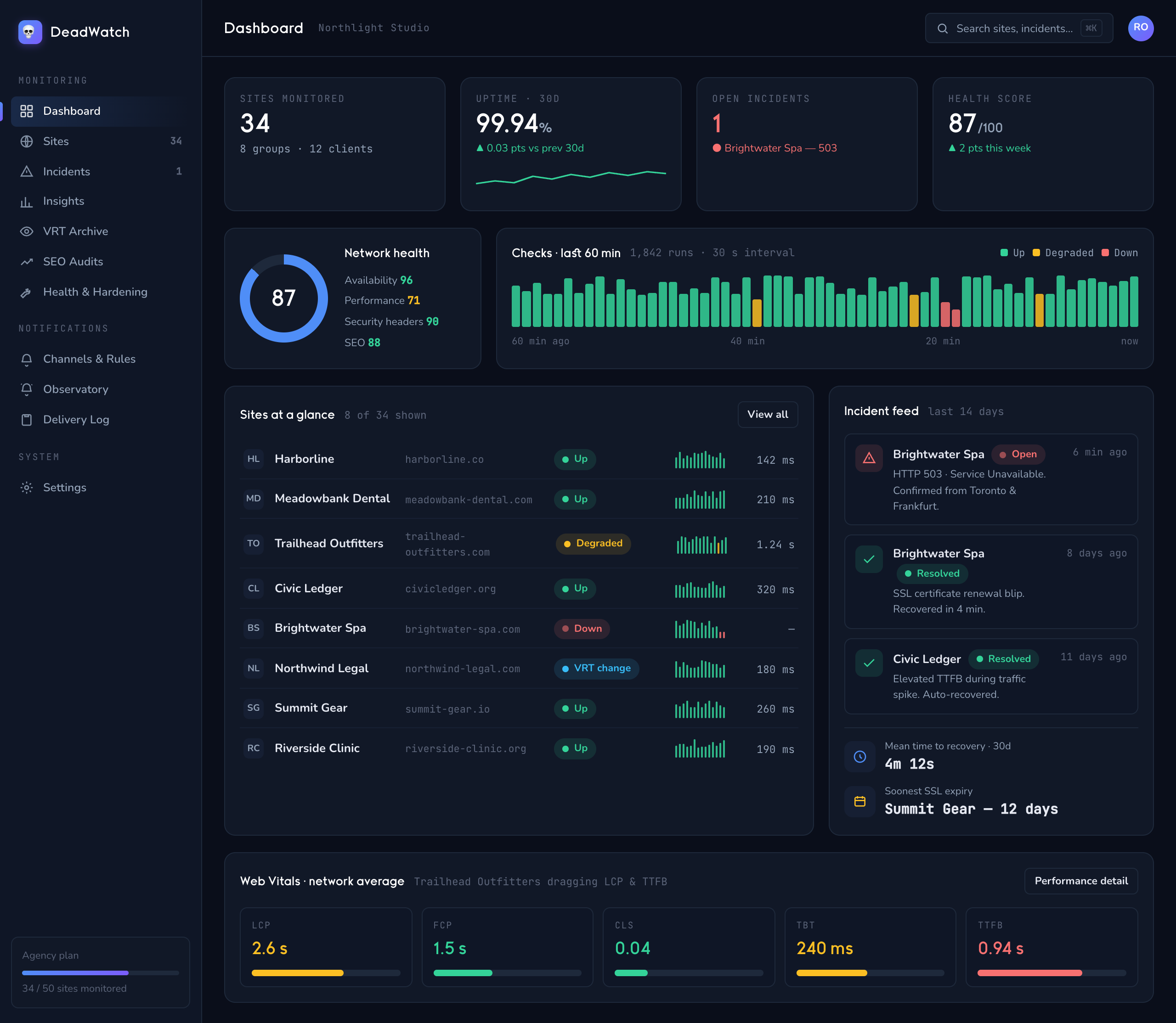
The agency night watch. DeadWatch watches the vital signs of every website you manage — uptime, speed, layout, search, DNS, SSL, and security — and pages you the moment one flatlines. Kestrel turns any prospect's site into an honest, sellable diagnostic so your pipeline never runs dry.
These docs cover both jobs: keeping the clients you have, and getting the next ones. Start with the guide that matches where you are.
Get started
New to DeadWatch? Begin here.
- Getting started — set up your instance, add your first site, and confirm alerts reach you.
- Add and organize sites — bring your whole roster, group by client, and set check intervals.
Monitor
Everything DeadWatch keeps an eye on, and how to tune it.
- Notifications and incidents — route alerts to Email, Slack, Discord, or a webhook; understand incidents, flapping protection, and maintenance windows.
- Visual regression (VRT) — baselines, per-breakpoint pixel diffs, and approving changes.
- Speed, SEO and SSL — Web Vitals, robots/sitemap/canonical drift, DNS records, and certificate expiry.
- Security monitoring — header posture, exposed files, and hijacking signals.
Grow with Kestrel
Turn websites into sales conversations, and sell the report.
- Sell a report with Kestrel — discover prospects, scan a site, deliver a branded PDF, and take payment through Stripe.
Teams and client access
- Teams and client access — invite teammates, set roles, and give clients scoped access to their own sites.
Reference
The details, spelled out.
- DeadWatch monitoring reference — every check type, what it measures, and how detection works.
- Kestrel diagnostics reference — what each report check covers and how findings are grounded.
- Terms — glossary of DeadWatch and Kestrel terminology.
FAQ
- Frequently asked questions — the questions agencies actually ask, answered plainly: detection speed, per-tenant hosting, pricing and overage, report accuracy, data ownership, and offboarding.
DeadWatch — monitoring that never sleeps.